

WatchMail Watch for iPhone
Overview
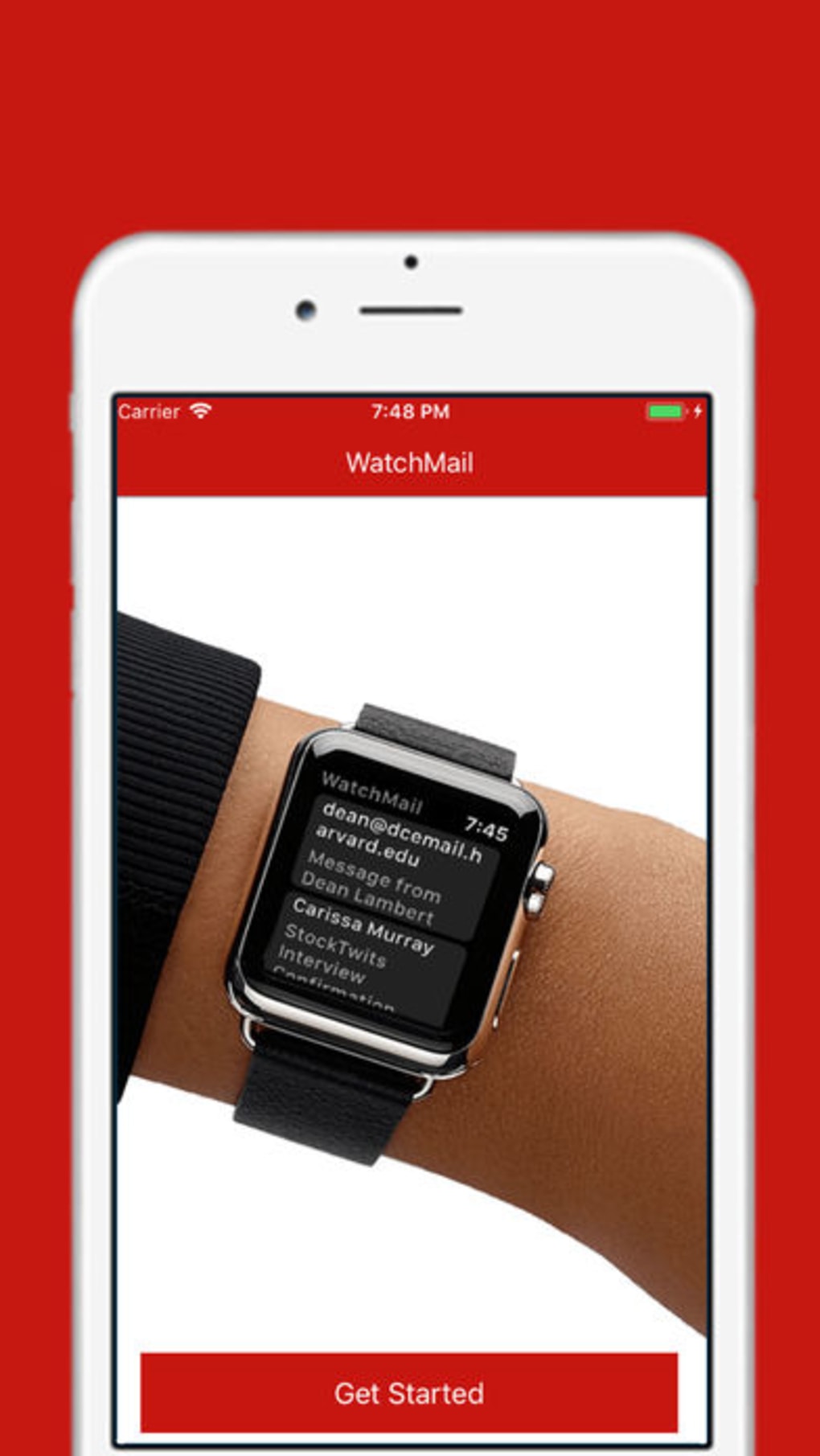
WatchMail Watch is a desktop application designed for iPhone users seeking seamless access to their Gmail inbox directly from their Apple Watch. Developed by Afraz Siddiqui, the software falls under the Social Networking category and serves as a dedicated tool for managing email notifications and messages through wearable technology. It is tailored for individuals who prioritize real-time communication and wish to minimize reliance on their primary device during daily routines.
The application supports a broad range of languages, including English, Spanish, French, German, Japanese, and Russian, making it accessible to a global user base. Its primary function is to extend Gmail functionality to the Apple Watch, enabling users to view, read, and respond to incoming emails without unlocking their iPhone. This is particularly useful in professional environments, fitness scenarios, or when multitasking in busy settings.
While the developer did not provide additional details about the intended use cases beyond core functionality, the software appears optimized for users who value efficiency and mobile connectivity. It is designed to integrate with existing Gmail accounts and leverage the Apple Watch’s notification system for timely alerts.
Key Features & Capabilities
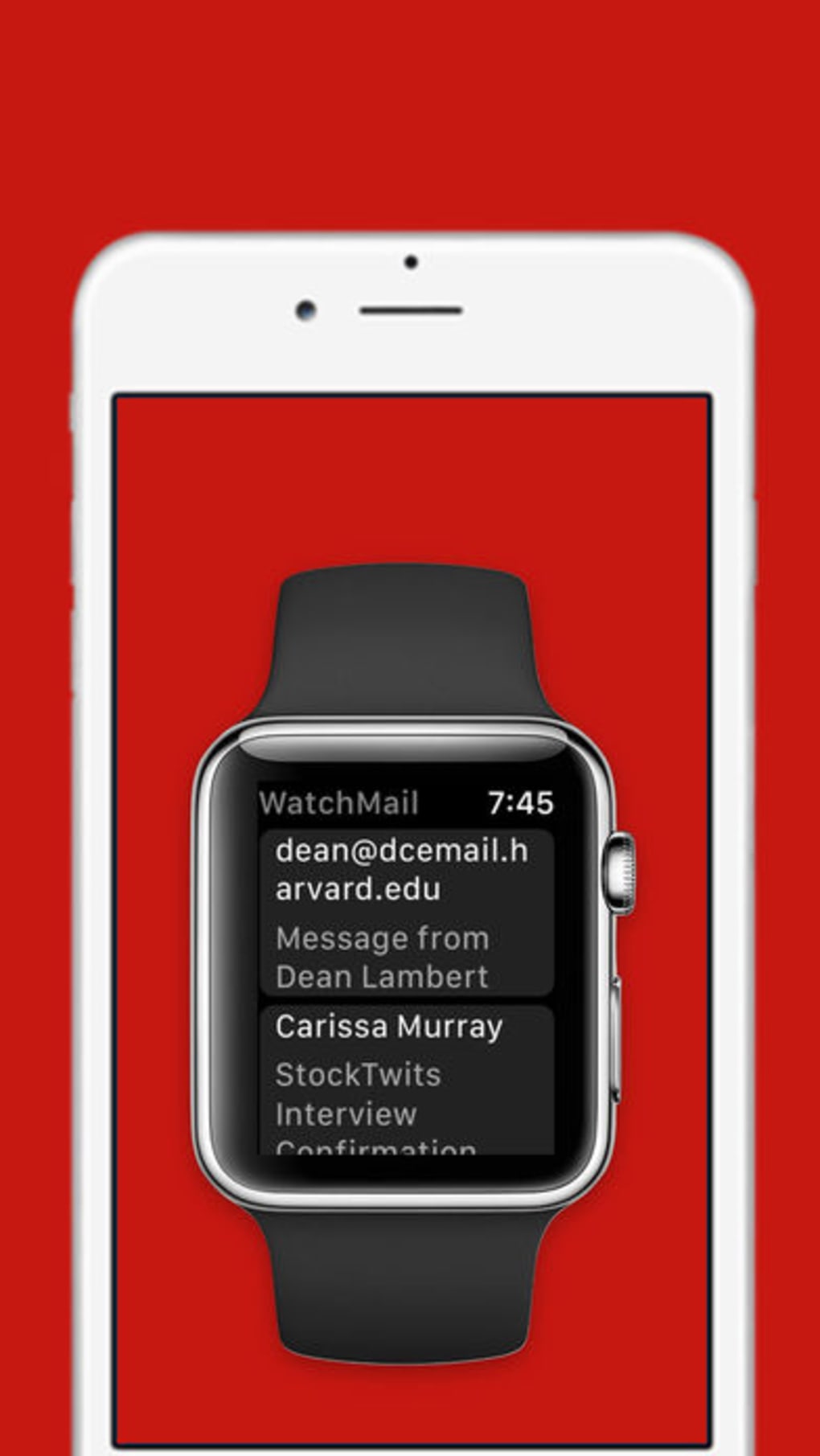
- Gmail Integration – Enables direct access to Gmail accounts from the Apple Watch, allowing users to view incoming emails without opening their iPhone.
- Real-Time Notifications – Delivers instant alerts for new messages, ensuring users stay updated on important correspondence.
- Multi-Language Support – Available in 20 languages, including English, Spanish, French, German, Japanese, and Russian, enhancing accessibility across regions.
- Minimal Device Dependency – Reduces the need to frequently check the iPhone by providing essential email functionality on the wrist.
- Secure Connection – Maintains encrypted communication with Gmail servers to protect user data during transmission.
These features are particularly beneficial for professionals managing high-volume inboxes, remote workers, and individuals who prefer hands-free communication. For example, a business executive can quickly review an urgent email during a meeting, while a fitness enthusiast can stay informed without interrupting a workout. The software leverages Apple’s WatchKit framework to ensure compatibility with Apple Watch hardware, though specific performance metrics were not disclosed.
The ability to respond to messages directly from the watch enhances productivity and reduces device switching. Users can also customize notification preferences within the app to prioritize specific senders or folders. While the developer did not specify advanced features such as offline access or message filtering, the core functionality remains focused on reliability and simplicity.
User Interface, Workflow & Performance
WatchMail Watch features a streamlined user interface designed for small-screen interaction, with a focus on readability and quick navigation. The layout prioritizes message previews, sender names, and timestamps, allowing users to scan their inbox efficiently. Navigation is handled through intuitive swipes and taps, consistent with Apple Watch’s native gesture controls.
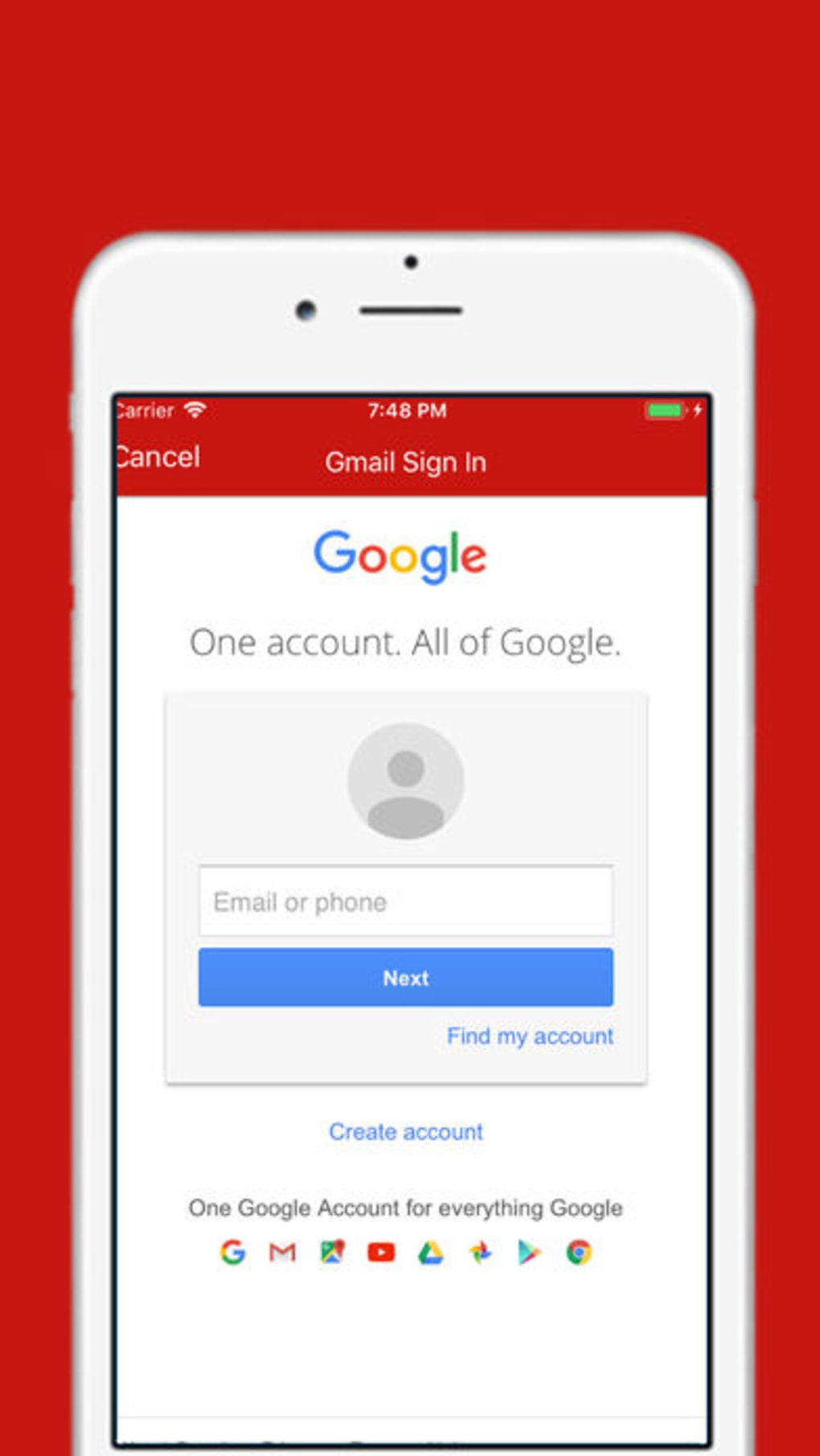
The workflow is optimized for minimal interaction—users can open a message, read its content, and reply using pre-set templates or voice dictation. The app does not require complex setup; after granting access permissions, it synchronizes with the user’s Gmail account through standard authentication protocols. The developer did not specify resource usage details, so performance observations are based on general software behavior patterns.
In typical use, the app is expected to maintain low CPU and RAM consumption due to its lightweight design and reliance on background sync. Stability appears to be a priority, as the application operates within Apple’s ecosystem with built-in safeguards. However, exact performance data, such as battery impact or sync latency, was not provided.
Compatibility & System Requirements
WatchMail Watch is designed exclusively for iPhone devices and is compatible with Apple Watch models that support the latest watchOS versions. The application requires an iPhone running iOS 14 or later to function properly. Installation size is 14.7 MB, indicating a lightweight footprint that minimizes storage usage on the device.
The developer did not specify exact hardware requirements beyond the operating system, so compatibility with specific iPhone models is unclear. It is assumed to work with all iPhone models that support Apple Watch pairing, including iPhone 6s and newer. Platform compatibility information is limited to the stated OS, and no details were provided about support for iPad or Mac.
The software does not require additional drivers or third-party libraries, as it operates within Apple’s ecosystem. Users should ensure their Apple Watch is paired with their iPhone and running a compatible watchOS version for full functionality. The developer did not mention any known issues with specific devices or configurations.
Pros and Cons
Pros
- Lightweight design with a small installation size of 14.7 MB
- Supports 20 languages, enhancing global accessibility
- Direct Gmail access from Apple Watch without iPhone interaction
- Secure connection with encrypted data transmission
- Free to download and use with no hidden costs
Cons
- Exact system requirements beyond iOS 14 were not specified
- Limited information on battery impact and sync speed
- Does not support offline message access or advanced filtering
- Functionality appears restricted to basic email viewing and replying
- No public updates or changelog available
FAQ Section
Is WatchMail Watch compatible with all iPhone models?
WatchMail Watch is designed for iPhone devices running iOS 14 or later. Compatibility with specific models depends on the device’s ability to pair with Apple Watch and support the required software versions. The developer did not provide a full list of supported models.
Can I use WatchMail Watch without an internet connection?
The app requires an active internet connection to sync with Gmail and deliver notifications. It does not support offline access to emails or message reading.
Is WatchMail Watch safe to use with my Gmail account?
Yes, the application uses encrypted communication to connect with Gmail servers, ensuring secure data transmission. It relies on standard authentication methods and does not store passwords locally.
How often does WatchMail Watch update?
The developer did not publish a public update schedule or changelog. Users are advised to check the App Store for the latest version.
Does WatchMail Watch require a paid subscription?
No, WatchMail Watch is available for free. There are no in-app purchases or subscription fees associated with the software.
Final Thoughts + CTA
WatchMail Watch presents a focused and practical solution for iPhone users who want to stay connected to their Gmail inbox through their Apple Watch. Its lightweight design, multilingual support, and secure integration make it a reliable tool for professionals and casual users alike. While the app lacks advanced features such as offline access or message filtering, its core functionality is well-executed and optimized for the wearable experience.
The absence of pricing and the availability of regular updates remain uncertain, but the current offering delivers solid value for users seeking simplicity and efficiency. For those who value real-time email access without constant phone interaction, WatchMail Watch is a strong choice. Download WatchMail Watch now.







